Creating a productive home office space is essential for anyone working remotely or needing a dedicated area for focused tasks. A well-designed workspace can improve concentration, reduce distractions, and enhance your overall work experience. Whether you have a small corner or a whole room to dedicate, these tips will help you set up an efficient and comfortable home office.
1. Choose the Right Location
Finding the ideal spot for your home office is the first step. Pick a space with minimal distractions and enough room for your essential equipment. Consider these factors:
– Natural light: A workspace near a window can boost mood and energy.
– Quiet environment: Select a quieter part of your home to minimize interruptions.
– Privacy: Ensure your chosen spot allows you to focus without frequent disturbances.
If space is limited, use room dividers or screens to separate the office area visually.
2. Invest in Comfortable and Functional Furniture
Your office furniture impacts your comfort and productivity. Prioritize ergonomic choices that support healthy posture:
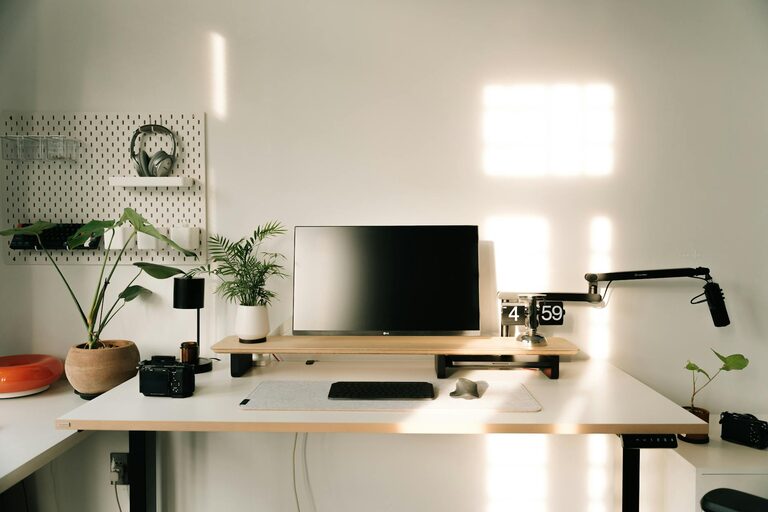
– Desk: Choose a desk with ample surface area for your computer, notebooks, and any tools you use daily.
– Chair: An ergonomic chair with adjustable height and good lumbar support helps prevent back pain.
– Storage: Include shelves, drawers, or filing cabinets to keep essentials organized.
Standing desks or adjustable sit-stand desks offer flexibility to alternate positions throughout the day.
3. Optimize Lighting
Proper lighting reduces eye strain and keeps you alert. Here are some lighting tips:
– Use natural light whenever possible, positioning your desk to avoid glare on screens.
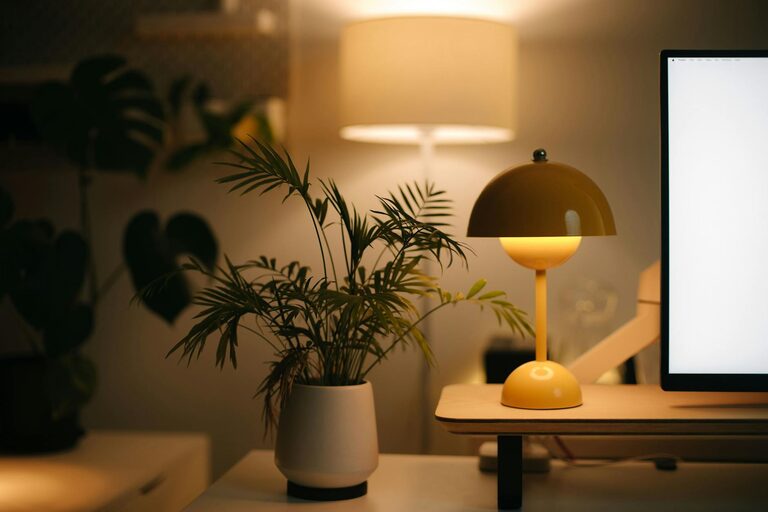
– Add task lighting like adjustable desk lamps for focused work.
– Use soft ambient lighting to create a comfortable atmosphere without harsh shadows.
Adjusting lighting throughout the day can help maintain energy and reduce fatigue.
4. Organize and Declutter
Clutter can distract and slow you down. Keep your workspace tidy:
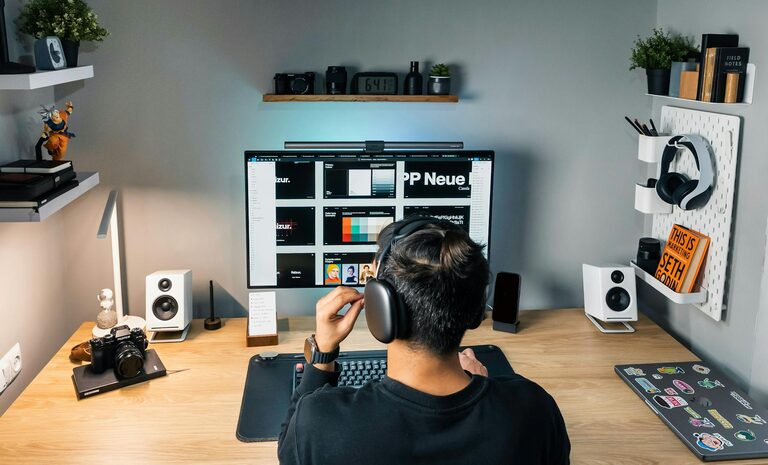
– Use organizers, trays, or containers for stationery and small items.
– Keep cables managed with clips or ties.
– Digitize documents when possible to reduce paper piles.
– Clear your desk at the end of each day to start fresh the next morning.
A clutter-free desk encourages clear thinking and helps maintain focus.
5. Personalize with Purpose
Adding personal touches can make your office more inviting but avoid overcrowding the space. Ideas include:
– Inspirational artwork or photos.
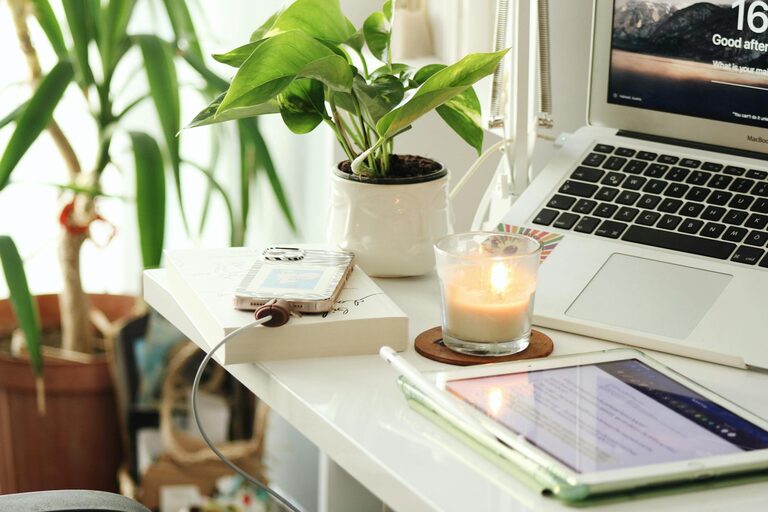
– A plant for a touch of greenery and improved air quality.
– A comfortable rug or cushions for added warmth.
Personalization should motivate without causing distractions.
6. Minimize Noise and Distractions
Noise can disrupt concentration. To create a quiet environment:
– Use noise-canceling headphones or white noise machines.
– Close doors and windows to block outside sounds.
– Inform family members or roommates about your work hours to minimize interruptions.
Control digital distractions by silencing mobile notifications or using apps that limit social media access during work hours.
7. Set Up Efficient Technology
Reliable technology is vital for smooth work:
– Ensure strong internet connectivity.
– Use ergonomic keyboards and mice for comfort.
– Keep devices charged and within reach.
– Regularly update software to avoid interruptions.
Having backups like an external hard drive or cloud storage can safeguard your work.
8. Establish a Routine and Boundaries
Your physical space supports your work habits:
– Define your work hours and maintain a consistent schedule.
– Use your home office solely for work-related tasks to create a psychological boundary.
– Take short breaks to stretch or walk to refresh your mind.
Creating a routine helps maintain focus and work-life balance.
—
By carefully selecting your location, investing in ergonomic furniture, and organizing your space thoughtfully, you can build a home office that promotes productivity and well-being. Remember, small changes can have a big impact, so start with a few tips and adjust your setup to best suit your needs. Happy working!