Creating a home office that feels both cozy and productive is key to staying motivated and focused, especially when working remotely. With the right setup, you can enjoy a space that promotes concentration while also making you feel comfortable throughout your workday. Here are practical tips to help you design a home office that balances comfort with efficiency.
Choose the Right Location
Prioritize Natural Light
Whenever possible, set up your home office near a window to take advantage of natural light. Natural light boosts mood and energy levels, making it easier to stay alert and motivated.
Find a Quiet Spot
Select a location that is away from household distractions like the kitchen or high-traffic areas. A quieter area will help you concentrate and maintain productivity throughout your day.
Consider Your Space Needs
Make sure the space you choose can fit your desk, chair, and any additional items you regularly use such as filing cabinets, printers, or bookshelves.
Invest in Comfortable Furniture
Ergonomic Chair
Investing in an ergonomic office chair is crucial. A chair with good lumbar support will help prevent back pain and keep you comfortable for long periods.
Functional Desk
Choose a desk that suits your work style. Whether you prefer sitting or standing, there are many options available. A spacious desk allows you to organize your essentials and avoid clutter.
Adjustable Accessories
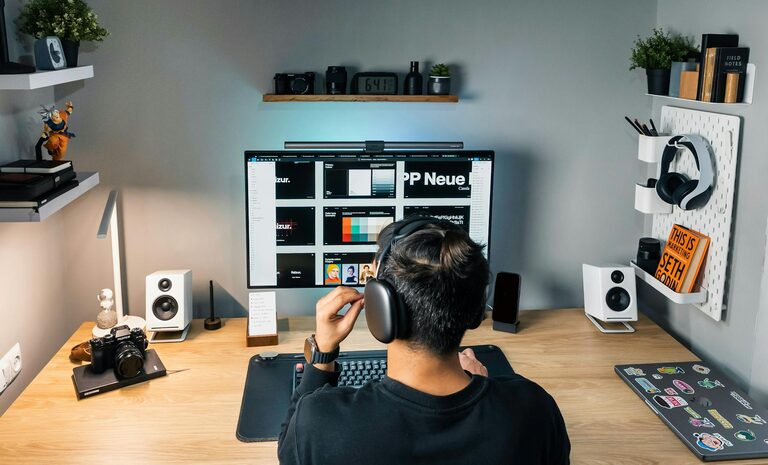
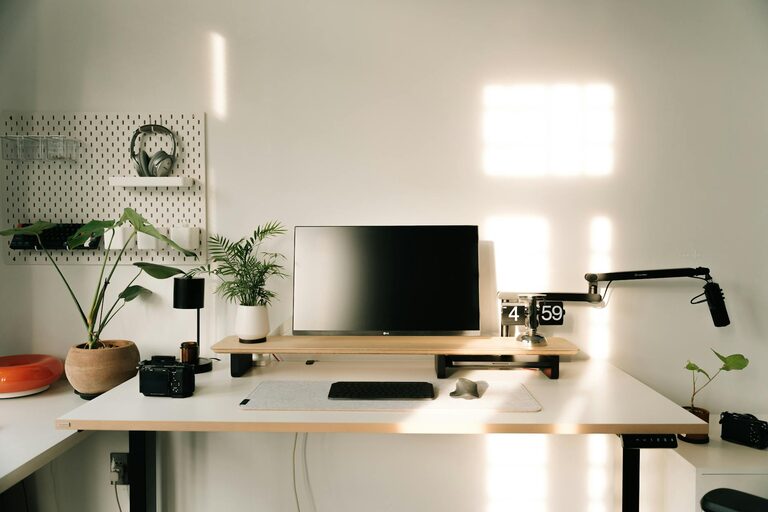
Consider an adjustable monitor stand or keyboard tray to ensure your posture stays correct and your setup is customized for your comfort.
Optimize Lighting
Balance Natural and Artificial Light
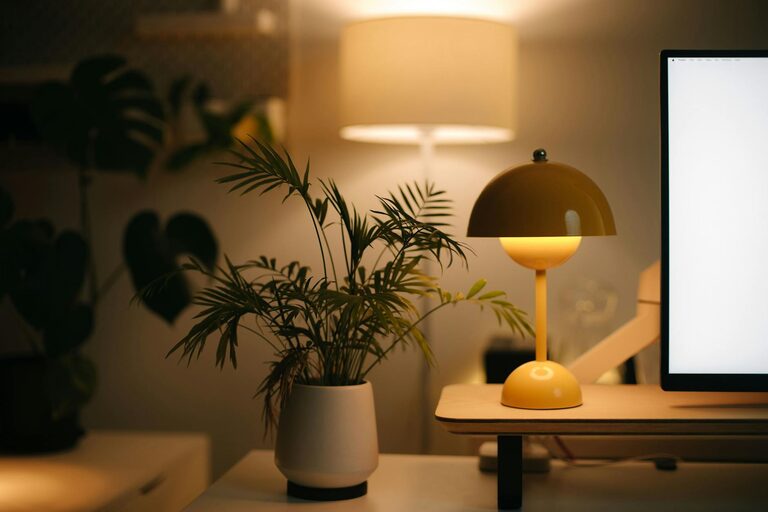
Along with natural light, use a combination of overhead lighting and task lighting. A desk lamp with adjustable brightness helps reduce eye strain.
Avoid Glare
Position your computer screen perpendicular to windows to reduce glare, or use curtains and blinds to control the light during peak sunlight hours.
Keep It Organized
Declutter Regularly
An organized workspace minimizes distractions. Keep only essential items on your desk and store everything else in drawers or shelves.
Use Storage Solutions
Boxes, trays, and filing systems can help keep documents and office supplies tidy. Labeling storage boxes can also save time when searching for materials.
Cable Management
Use clips or cable organizers to keep wires neat and out of the way, preventing a messy appearance and potential hazards.
Add Personal and Cozy Touches
Warm Colors and Textures
Incorporate soft colors and textures through rugs, cushions, or curtains. Warm tones can make the room feel inviting and comfortable.
Plants
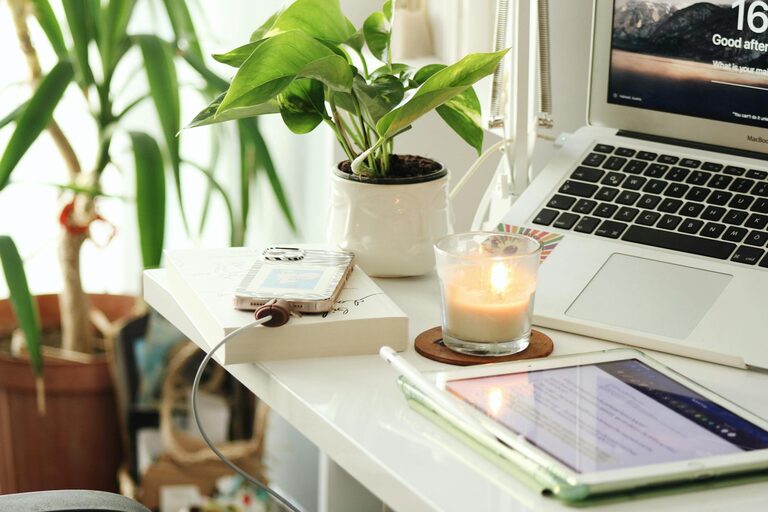
Adding greenery can improve air quality and create a calming atmosphere. Choose low-maintenance plants suited to indoor environments.
Personal Items
Display a few personal items like photos, artwork, or inspirational quotes to make your workspace uniquely yours without overdoing it.
Maintain Good Air Quality and Comfort
Ventilation
Good airflow is essential for staying alert. Open windows when weather permits or use an air purifier to keep the air fresh.
Temperature Control
Ensure the space is neither too hot nor too cold. Use fans, heaters, or humidifiers as needed to create a comfortable environment.
Minimize Distractions
Noise Management
Use noise-canceling headphones or white noise machines to block out distracting sounds. Some people also find soft background music helpful.
Set Boundaries
Communicate your work hours clearly to family members or housemates to minimize interruptions during important tasks.
Create a Routine-Friendly Environment
Dedicated Workspace
Having a specific area for work helps your brain associate that spot with productivity, improving focus when you enter the space.
Schedule Break Areas
If possible, keep a spot separate from your desk for breaks. This helps your mind rest and recharge before returning to work.
Incorporate Technology and Tools
Efficient Equipment
Make sure your computer, printer, and internet connection are reliable. Slow technology creates frustration and reduces productivity.
Apps and Software
Use productivity apps, calendars, and task managers to stay organized and keep track of deadlines.
—
By following these tips, you can design a home office that feels inviting and helps you get work done efficiently. The goal is to create a space that supports your work habits while making you feel comfortable and motivated every day. Remember, small changes can make a big difference!