Creating a home office that balances coziness with productivity can transform the way you work. Whether you’re working remotely full-time or just occasionally, having a space that feels inviting yet efficient makes a big difference in your focus and well-being. Here are some practical tips to help you design a home office that feels comfortable, inspiring, and helps you stay on track.
1. Choose the Right Location
Find a Quiet Corner
Look for a spot in your home that is relatively quiet and free from distractions. Ideally, this should be away from high-traffic areas like the kitchen or living room. Natural light sources are a plus, as they improve mood and alertness.
Consider Your Needs
Think about what you’ll be doing most in your office. If you need video calls, ensure good lighting and background. If you do a lot of paperwork, find a space large enough for organizing files and supplies.
2. Invest in Comfortable and Functional Furniture
Select an Ergonomic Chair
Comfortable seating supports long hours of work and prevents aches. Choose an ergonomic chair that supports your back and encourages good posture. Adjustable height and armrests can help tailor it perfectly to your desk.
Opt for the Right Desk
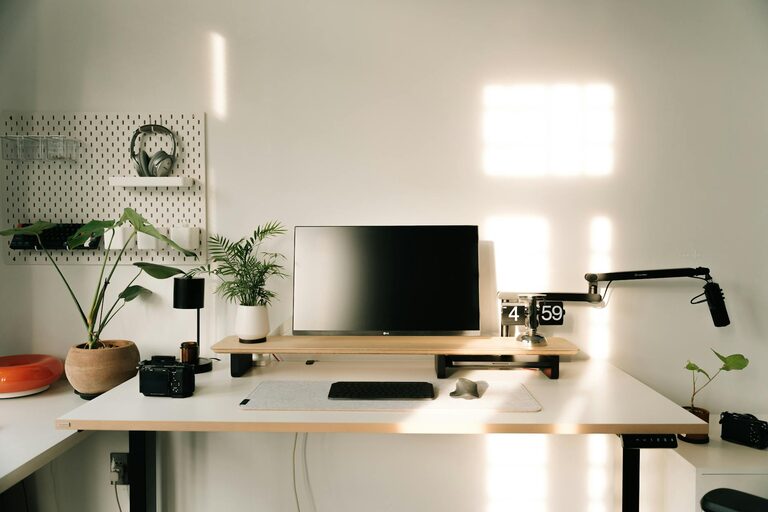
Pick a desk that fits your space and type of work. A standing desk or adjustable desk can add variety and reduce fatigue. Keep enough surface area for your computer, notes, and other essentials.
3. Enhance Lighting for Comfort and Focus
Utilize Natural Light
Position your desk near a window if possible. Natural light boosts mood and helps you stay alert. However, avoid glare on computer screens by angling your desk or using light curtains.
Add Task Lighting
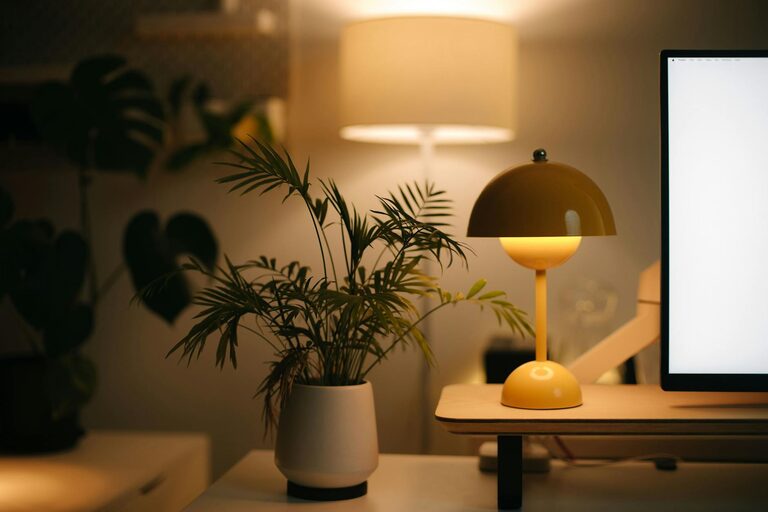
A good desk lamp with adjustable brightness supports detailed work and reduces eye strain. Warm-toned bulbs often create a cozy atmosphere.
4. Personalize Your Space Thoughtfully
Add Cozy Textures
Incorporate soft rugs, cushions, or a throw blanket to add warmth and comfort. These touches make your space inviting and help you settle in.
Use Plants
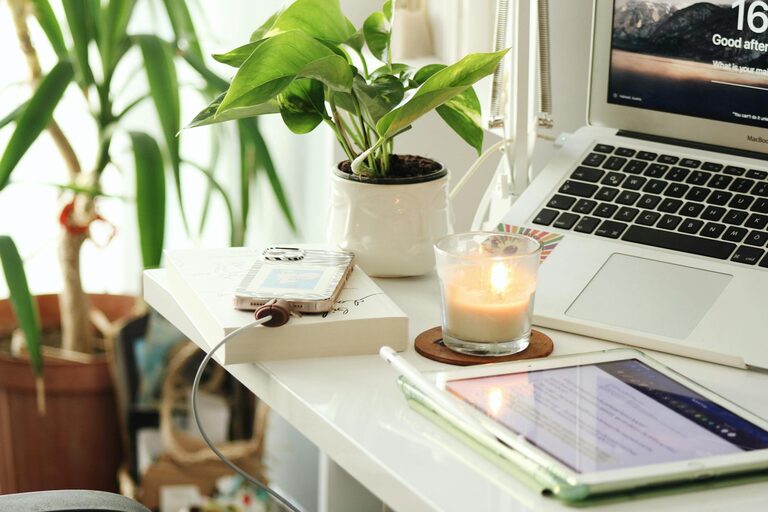
Adding greenery improves air quality and mood. Small potted plants or succulents are low maintenance and bring a hint of nature indoors.
Display Inspiring Items
Place artwork, photos, or motivational quotes that uplift you, but keep clutter minimal for focus.
5. Organize to Reduce Clutter and Stress
Declutter Regularly
Keep only what you need on your desk. Clutter can distract and add stress. Developing a routine to clear and tidy your workspace can improve mental clarity.
Use Storage Solutions
Drawer organizers, shelves, or containers help keep supplies in place but accessible. Labeling bins or files saves time searching.
Manage Cables Efficiently
Use cable ties or clips to prevent tangles and keep your desk neat.
6. Incorporate Tools and Technology to Boost Productivity
Use a Reliable Tech Setup
Ensure your computer, internet connection, and peripherals work smoothly. Slow technology can be frustrating and break focus.
Add Productivity Aids
Consider tools like a calendar, task lists, or time-tracking apps to keep organized. A whiteboard or corkboard can help visualize goals and deadlines.
7. Establish Boundaries and Comfort Habits
Set Work Hours
Creating a routine with clear work start and stop times helps balance productivity and relaxation.
Take Breaks
Use your space to refresh during breaks with stretching, hydration, or stepping outside briefly.
Control Noise
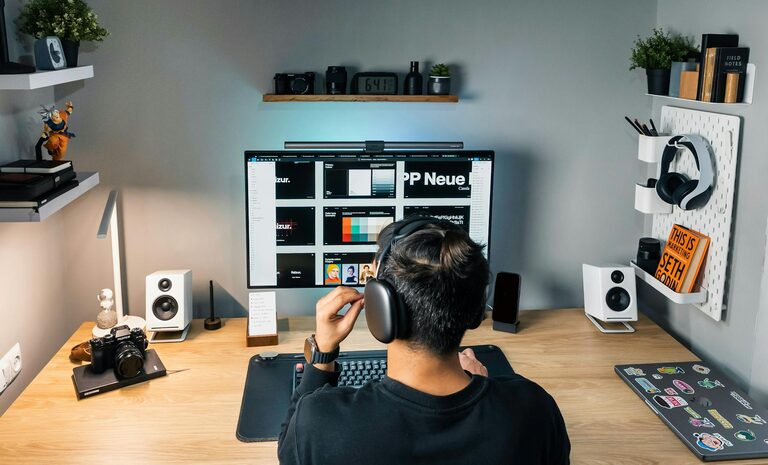
Use noise-cancelling headphones or calming music if ambient noise is distracting.
Conclusion
Designing a cozy and productive home office is about thoughtful choices that reflect your work style and comfort needs. By combining ergonomics, personalization, and organization, you create a space where work feels more enjoyable and effective. Start small and adjust as you learn what works best for you—your ideal home office is a few simple changes away!